
Capture & Collaborate on Social Media Content Creation
Sharing the relatable stories and moments happening across your organization and communities creates connection and humanizes the important work you do. The key is collaboration.
Sharing the relatable stories and moments happening across your organization and communities creates connection and humanizes the important work you do. But, the logistics can feel impossible. How can you possibly be everywhere at once, collecting photos, quotes, stories, and the information you need to post on socials?
The key is collaboration.
Gather Content
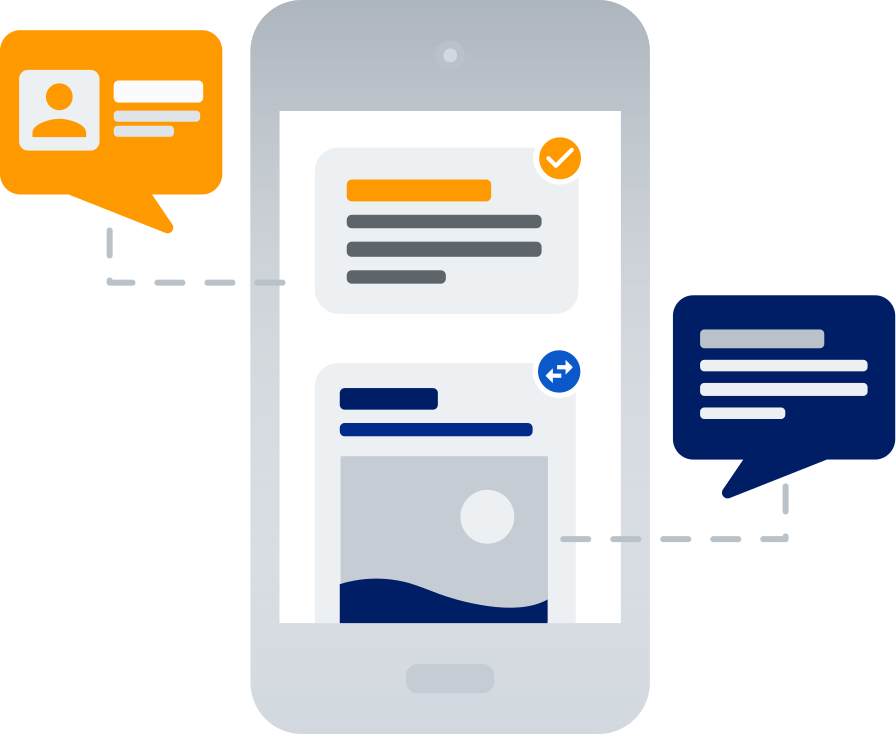
Pull stories and visuals from everyone in your agency.
Create user accounts that connect people across your agency or department to your social channels with the specific level of access they need (to draft, for example, or — at a higher level — to approve and publish). Users can capture and submit photos with basic information associated with the post for communications and marketing teams to spruce up, edit, schedule, and publish.

Collaboration & Feedback
Drafts, comments, and edits — all in one place.
Users can submit content in a draft state for edits and additional details, commenting information and specific notes on each post. This allows communications and marketing teams to consider pertinent information about moments within context — without sending hundreds of emails or messages. Information is accessible and secure at every step in one central place.
Planning, Scheduling, Drafting & Publishing
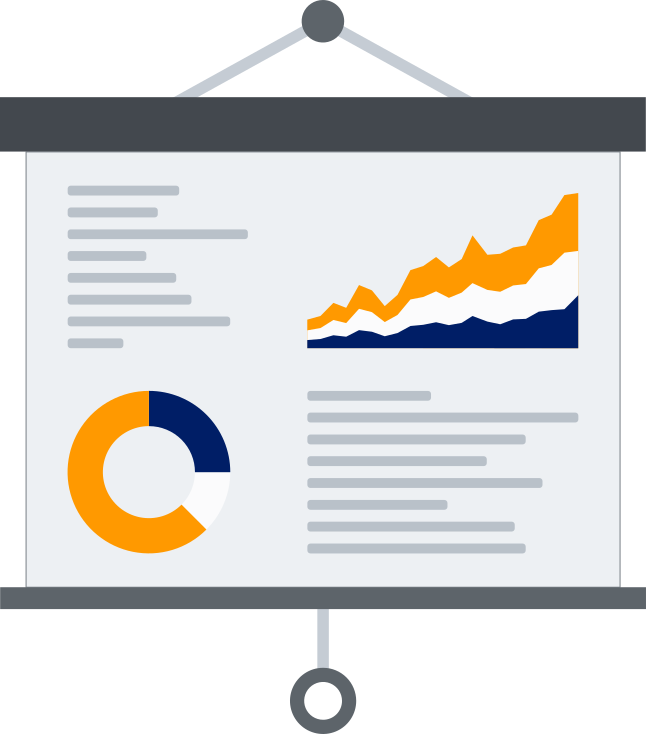
Lock in the calendar, then let approved posts ship themselves.
Use the calendar view to plan content ahead, slating pertinent updates and events where there are hard deadlines, and quickly updating the scheduling of drafted and approved posts as priorities shift. Once approved, posts scheduled for a specific date and time automatically publish, so you can stay ahead without having to worry.
Managing Access Permissions
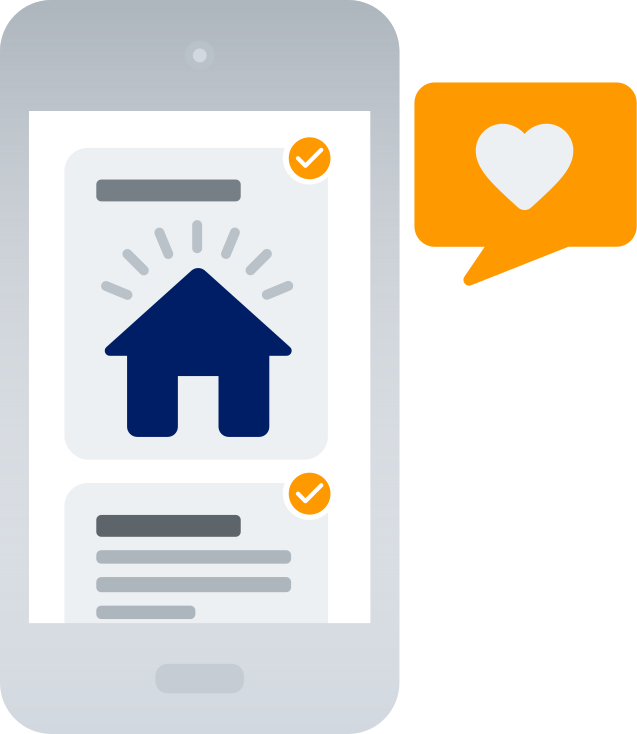
The right people get the right level of access.
Keep content securely flowing through every stage with customizable access permissions. This allows users to submit content, in addition to drafting and editing posts. Higher-tiered access permissions allow for sign-offs and approvals, and even internal notes for feedback before scheduling or publishing final posts.