Government Social Media Task & Project Management Software
Integrated tools that help government communications teams plan, track, manage, and execute social media content with field teams, interns, and office staff — all in one place.
Government Social Media Task & Project Management tools help government offices and agencies large and small stay organized and efficient. Integrated into MindMixer by Social Assurance’s government communications platform, these tools make it easier than ever for teams to plan, track, manage, and execute content.
MindMixer’s Task & Project Management tools make it so much easier to source great content from field teams and across offices (including engaging photos and videos). They also increase accountability, keep content teams organized, create transparency, and increase overall efficiency.
Keep Social Media Content Organized & On-Track
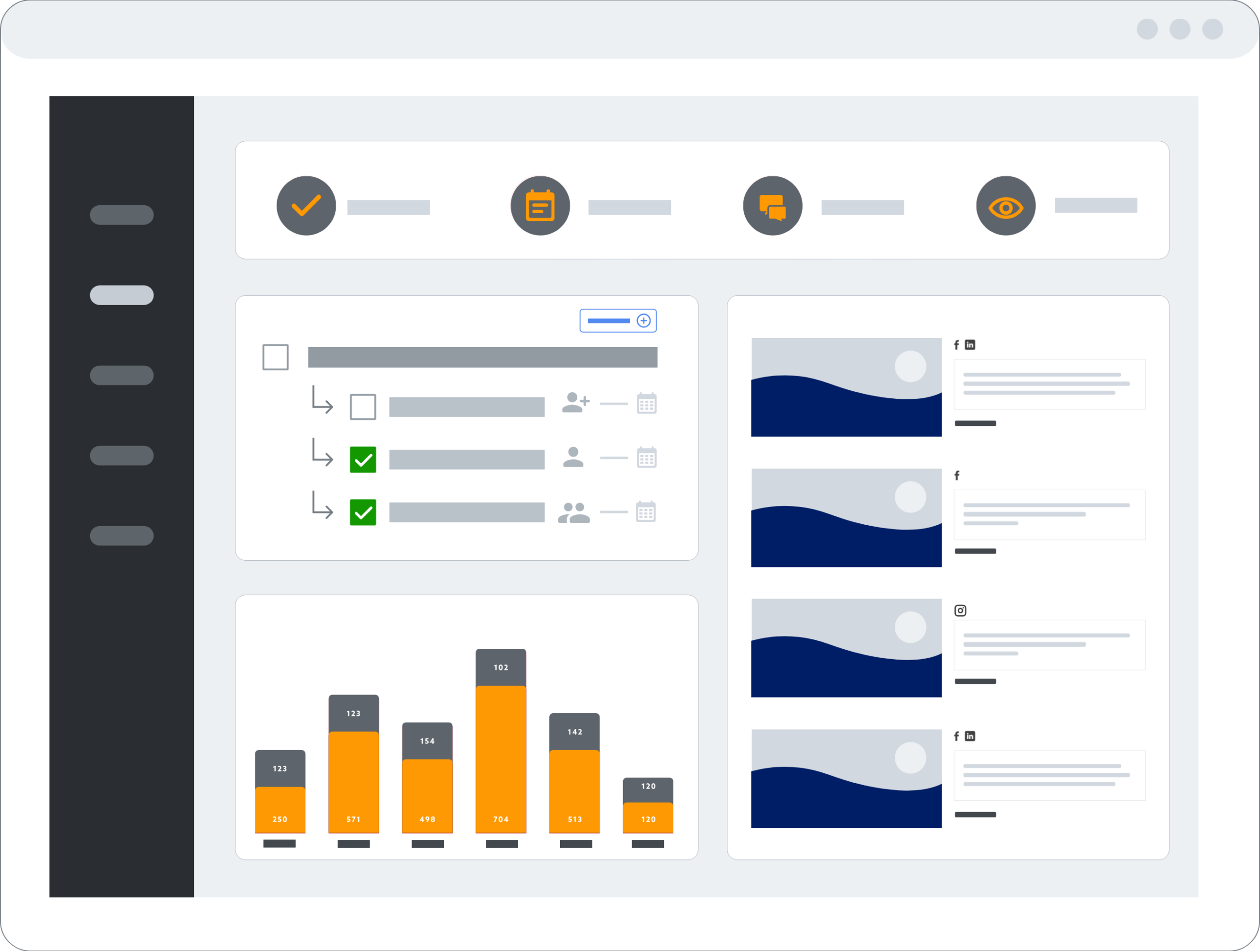
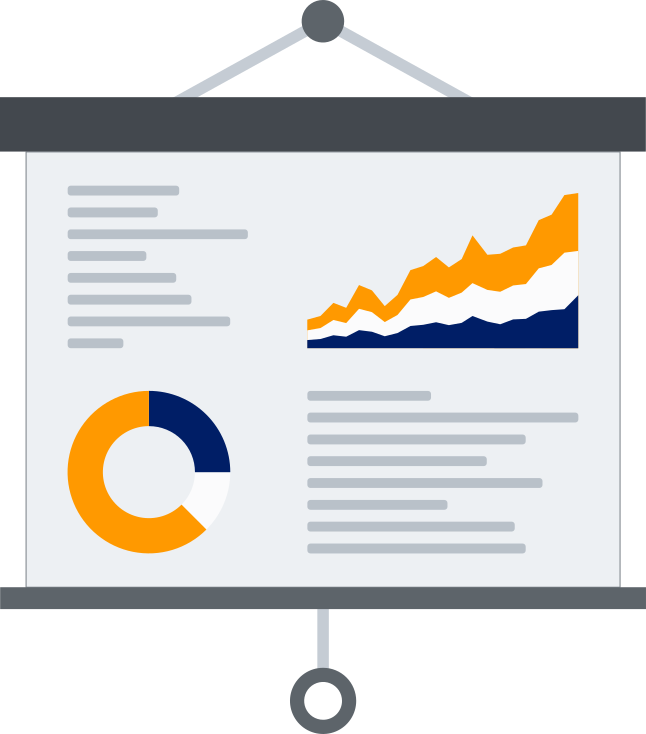
One unified view of everything moving through your team’s social media pipeline.
At a glance:
- View assigned tasks, check on tasks and projects you're following, and see what's coming up.
- Quickly see upcoming social media posts, including when they're scheduled and for which channels.
- Field teams and offices receive clear and simple tasks to collect and submit photos and videos.
- See a quick view of key stats and outcomes to stay motivated and productive.
Tools for Content Collection, Planning & Execution
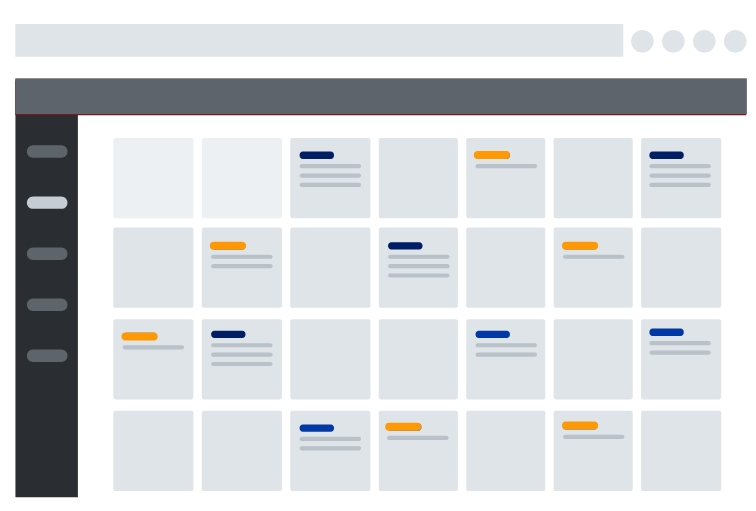
Break campaigns into manageable pieces and pull the right people in at the right moment.
What you can do:
- Use sub-tasks to assign, manage, and execute on multi-step social media posts and campaigns.
- Assign photos and content collection to field teams, interns, office staff, and others to divide and conquer.
- Create tasks and projects from calendars, including ceremonies, community events, and local happenings.
Centralize Users, Content, Approvals & Workflows
Pull notes, photos, conversations, and approvals into a single source of truth — and let AI do the busywork.
How teams stay aligned:
- Use AI to seamlessly turn notes and photos into scheduled social posts.
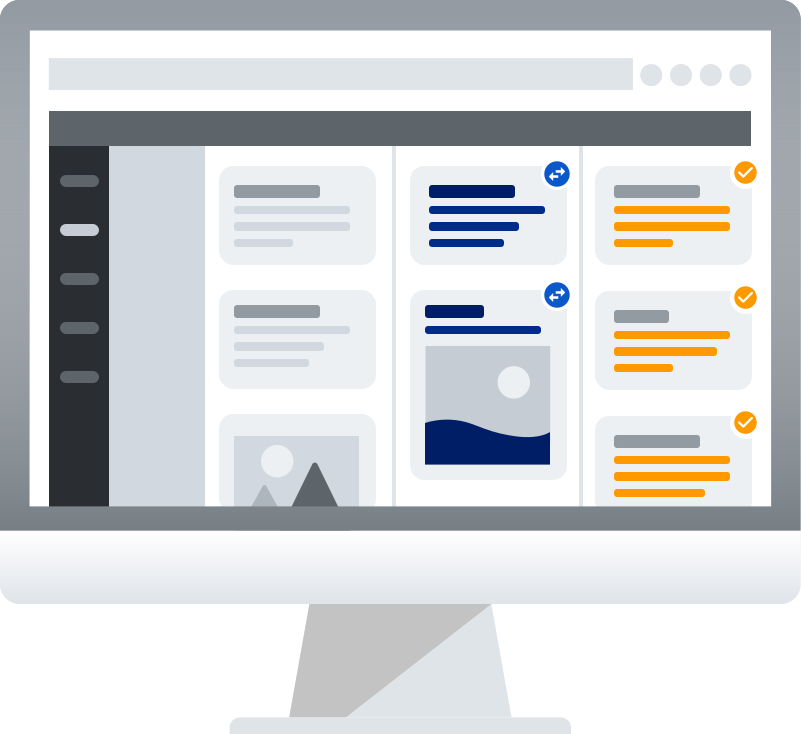
- Keep sub-tasks, attachments, and relevant information tied to projects and the people working on them.
- Assign tasks to individuals and allow others to follow tasks and projects, streamlining oversight and updates.
- Access a running log of task- and project-related activities from each contributing user.
Dive into the Details on To-Dos
Get into the weeds when you need to without losing the big picture.
Power-user features:
- Drill into what's on your list based on a number of custom filters.
- Track and manage sub-tasks for specific social media posts and other marketing projects.
- See where requests are coming from, which channels they'll be pushed to, and more — all in one easy view.
Interested in learning more about streamlining government social media tasks and project management? Get in touch with our team.