Social media content planning, execution, and overall management is no easy feat. There are a a number of moving pieces to manage, plus the challenge of sourcing photos and videos, planning interesting and informative content, and ensuring a cohesive overall presence across often multiple platforms and pages. For government offices and agencies, there are added layers of compliance, risk mitigation, and overall community management and moderation that make it that much more challenging. Getting and staying organized is absolutely crucial, making a social media task and project management solution incredibly important. New from MindMixer (powered by Social Assurance) is a robust suite of government social media task and project management features that make it incredibly easy for teams of one as well as more expansive content and communications departments to get and stay organized and accountable. Here are six easy and high-impact ways to get started using these powerful new tools!
1. Source Photos & Videos from Individuals & Departments
With AI tools becoming more and more prevalent, the need for authentic, human content is more important than ever. In fact, market research shows that social media content featuring human relationships and real people with real emotions is better received by audiences and gets more favorable engagement. But, you can’t feature real people and places without good photos. The new task and project management tools from MindMixer make it easy to create specific tasks requesting imagery for an event or of a specific person, place, or moment–then assign those tasks to field teams with deadlines and notes. That means content and communications teams (or individuals) running point on social media and other communications can create tasks for ribbon cutting ceremonies, major city events, parades, press conferences, and even day-to-day experiences, then assign out those tasks. The process ensures not only accountability, but allows communications teams at government offices and agencies to provide field teams with specific instructions for what they need and when. Field teams simply collect those photos and/or videos, drop them directly into the task, and submit it. Simple, easy, secure, and documented. In short, the process and tools make it incredibly easy to source content you can actually use to paint an authentic picture of what your government office or agency does and the real human stories behind it on social media.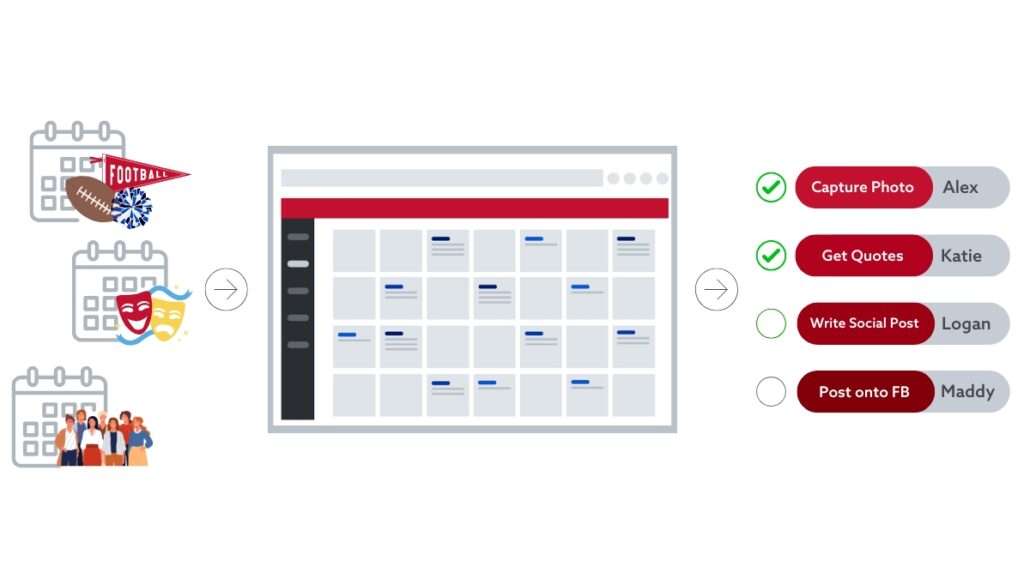
2. Manage a Multi-Step Campaign
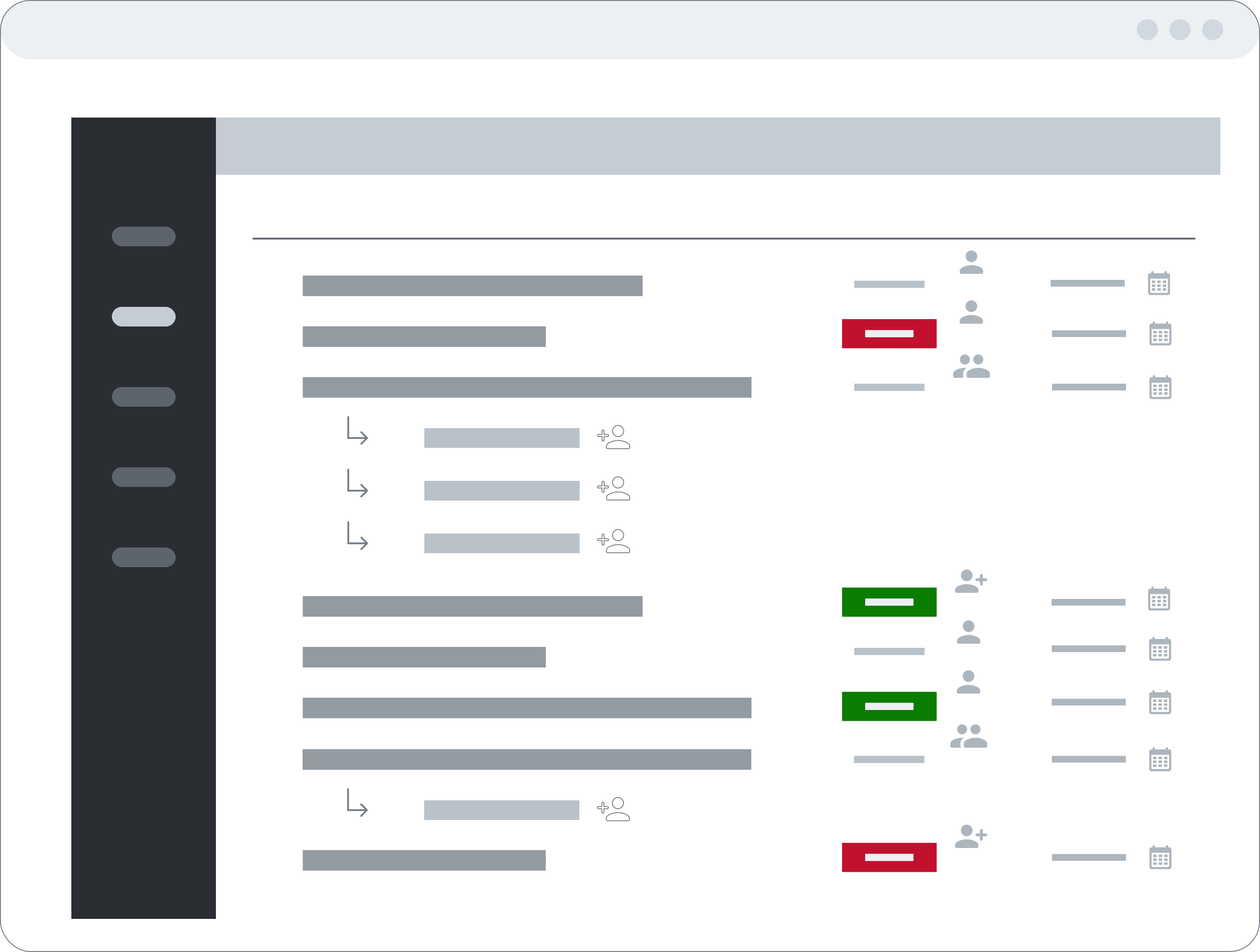
Perhaps you have a major strategic priority, educational campaign, or other ongoing initiative that will require time and help from multiple people and even teams over time. Maybe it’s a campaign to get the public involved in naming a new fleet of snowplows. Perhaps it’s an ongoing recurring content series about how emergency responders spend time with community youth. Use the new task and project management tools to create sub-tasks within a bigger task. Each sub-task can have its own notes, comments and message exchanges, photos and videos, deadlines, and even followers who receive automatic update notifications as it progresses. All these subtasks roll up into a bigger project task, keeping everything on track and everyone on the same page in terms of what needs to be done by whom and when.3. Provide Context, Feedback & Notes in a Central Place
The new task and project management tools make it easy for those planning and organizing social media content to communicate pertinent information and context. Communications and social media managers can drop notes into a task or simple context for captions such as the location of the photo, the date and time of an event, or even just notes on who is included and what’s going on. This makes it easy to delegate caption writing, tagging, hashtags, and other sometimes-tedious steps to interns and entry-level employees without having to bombard them with emails or messages that can be overwhelming and unorganized. Simply drop pertinent information into the main content of the task, and any other additional notes into the task’s comments section (using the @ symbol to notify specific users), then assign it out, set a deadline, and submit. The assignee then has everything they need in the right place, alongside the specific task they’re working on to execute easily and efficiently.4. Turn Notes & Info into Drafts for Social Posts Instantly
For those executing on specific tasks that will become scheduled and published social media posts, the platform streamlines the entire process by automatically populating drafted body copy into a post caption. So, a person assigned to a task, with the click of a button, can pull the context notes and imagery from the original task into a draft post. It means writers and social media managers aren’t working from a blank slate. They have a baseline to get started–without having to chase down every single detail. It’s all right there, and ready to edit, tweak, optimize, and post.5. Ensure Accountability & Meet Deadlines
We’ve all been there: Your team has the best intentions and is excited about a project, but isn’t able to put it on a timeline and assign specific ownership to one or more individuals. What happens? It doesn’t get done. When tasks and projects have specific assignees and deadlines, they are substantially more likely to get done. The new tasks and project management tools available in the MindMixer platform make it easier than ever to ensure that tasks and projects small and large are clearly organized with clarity and documentation around who is doing what, and set deadlines for when it needs to be done.